Panasonic TV Remote 22.73
Publisher Description
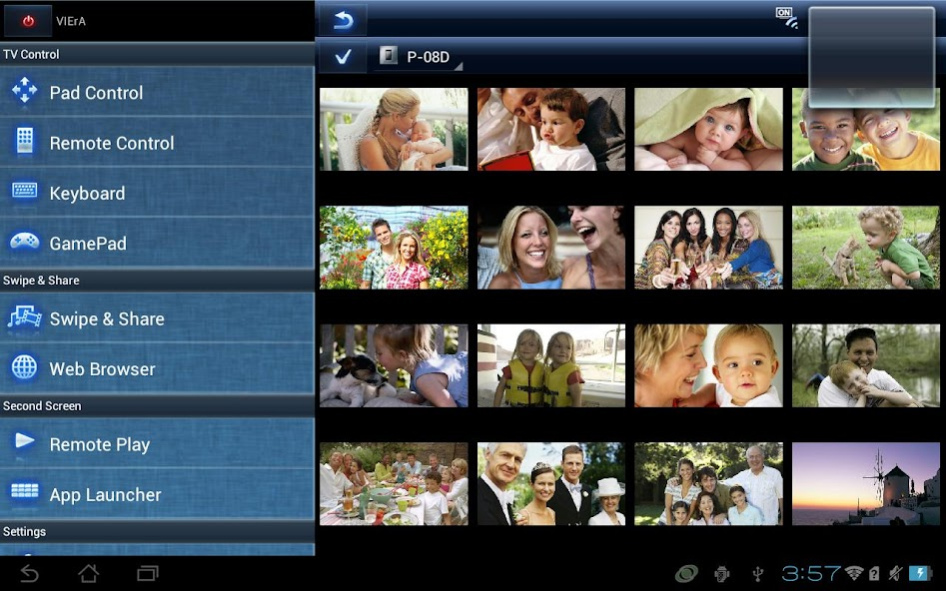
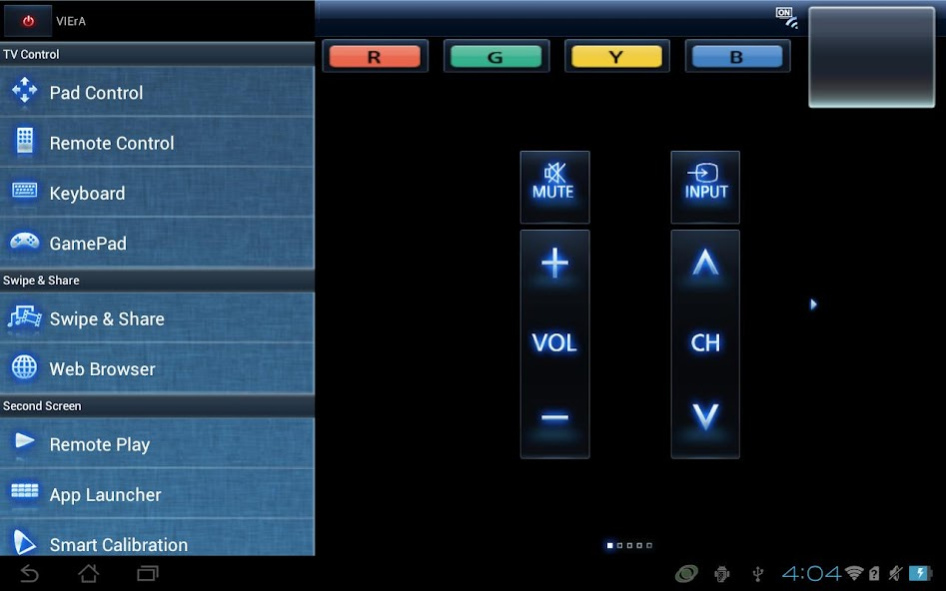
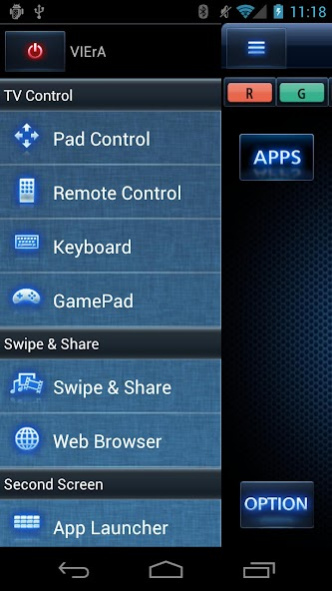
TV Remote 2 lets you comfortably operate Panasonic flat-panel VIERA TV.
TV Remote 2 app lets you comfortably operate Panasonic flat-panel TV, 2011/2012/2013/2014/2015/2016/2017 VIERA with mobile devices running Android OS ("Android Device(s)").
The TV Remote 2 app lets you control VIERA over wireless network (Wi-Fi) more intuitively than the ordinary remote controller. The TV Remote 2 App also lets you transfer pictures, videos, music or websites from your mobile display to VIERA TV, and vice versa.
In order to use the TV Remote 2 app, all you need is to simply install the app to your Android Device. There is no complicated setting required to establish connection with VIERA. Give it a try.
For information on using this app or compatible models, visit the following support page.
If you can not find a solution by visiting the support page, you can contact us from the support page.
http://panasonic.jp/support/global/cs/tv/vremote2/android/
Please understand that we will not be able to contact you directly even if you use the “Email Developer” link.
About Panasonic TV Remote 2
The company that develops Panasonic TV Remote 2 is Panasonic Entertainment & Communication Co., Ltd.. The latest version released by its developer is 2.73. This app was rated by 1 users of our site and has an average rating of 5.0.
To install Panasonic TV Remote 2 on your Android device, just click the green Continue To App button above to start the installation process. The app is listed on our website since 2018-06-28 and was downloaded 1,499 times. We have already checked if the download link is safe, however for your own protection we recommend that you scan the downloaded app with your antivirus. Your antivirus may detect the Panasonic TV Remote 2 as malware as malware if the download link to com.panasonic.pavc.viera.vieraremote2 is broken.
How to install Panasonic TV Remote 2 on your Android device:
- Click on the Continue To App button on our website. This will redirect you to Google Play.
- Once the Panasonic TV Remote 2 is shown in the Google Play listing of your Android device, you can start its download and installation. Tap on the Install button located below the search bar and to the right of the app icon.
- A pop-up window with the permissions required by Panasonic TV Remote 2 will be shown. Click on Accept to continue the process.
- Panasonic TV Remote 2 will be downloaded onto your device, displaying a progress. Once the download completes, the installation will start and you'll get a notification after the installation is finished.
Program Details
General
System requirements
Download information
Pricing
Version History
version 2.73
posted on 2018-06-28
- bug fix
